Dual Camera Recorder
Duocamly
Record once. Post everywhere.


01
Key Features
Capture landscape and portrait together. Both files are ready to publish as soon as you stop.
- DUAL FORMAT RECORDING
- FRONT + BACK CAMERA
- BUILT-IN TELEPROMPTER
- 4K VIDEO
- LEVEL & HORIZON GUIDE
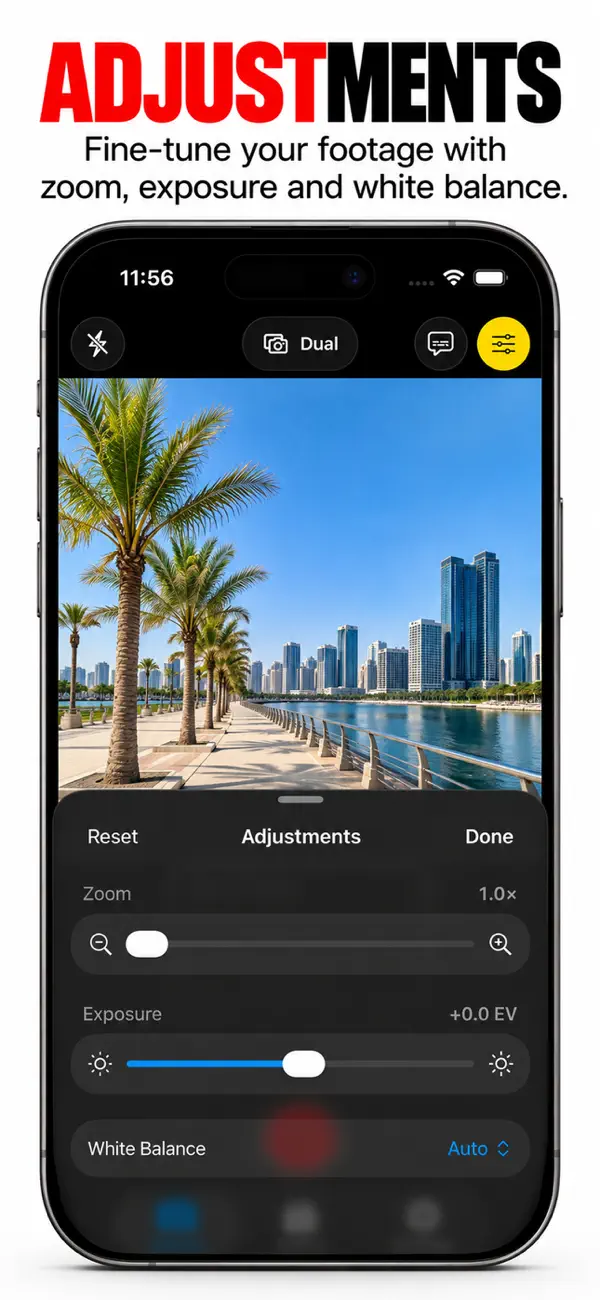
Shoot horizontal and vertical video at the same time, in a single take. Duocamly saves a landscape clip for YouTube and a portrait clip for TikTok, Reels and Shorts, so you never have to choose a format or re-shoot.

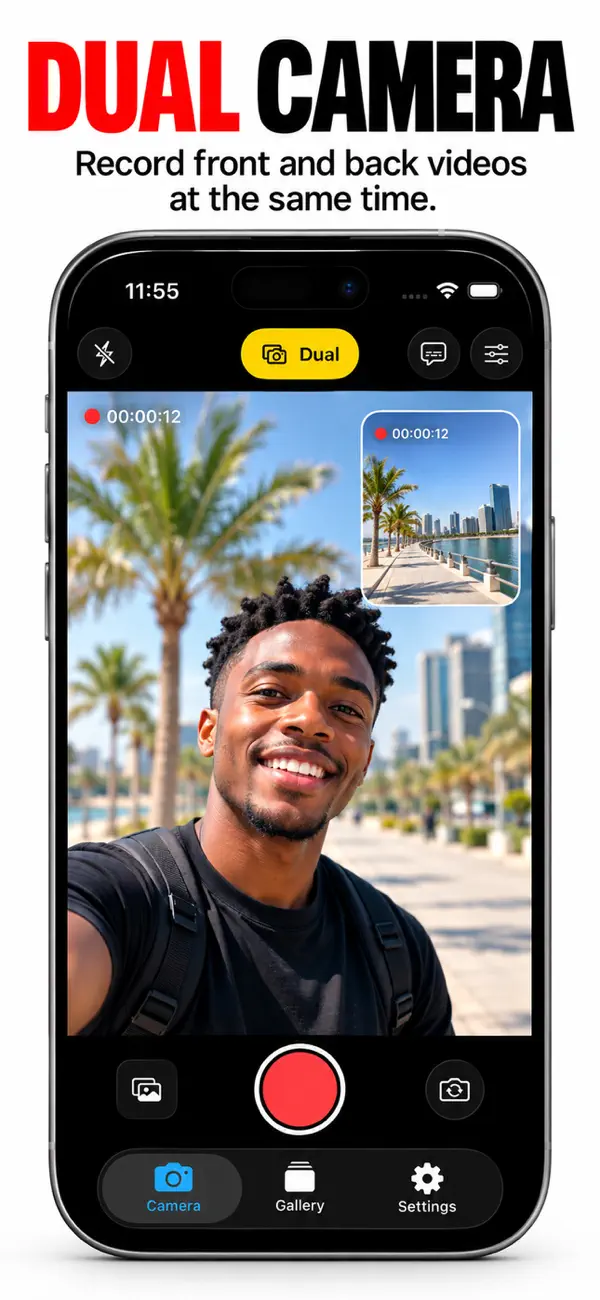
Want to film yourself and the scene around you? Use the front and back cameras together. Need to nail a script? Read it from the built-in teleprompter while you look straight into the lens.
Record both cameras at once. It works well for reactions, interviews, vlogs and behind-the-scenes shots.
Scroll your script on screen while you keep eye contact with the camera. It handles long, multi-paragraph scripts.
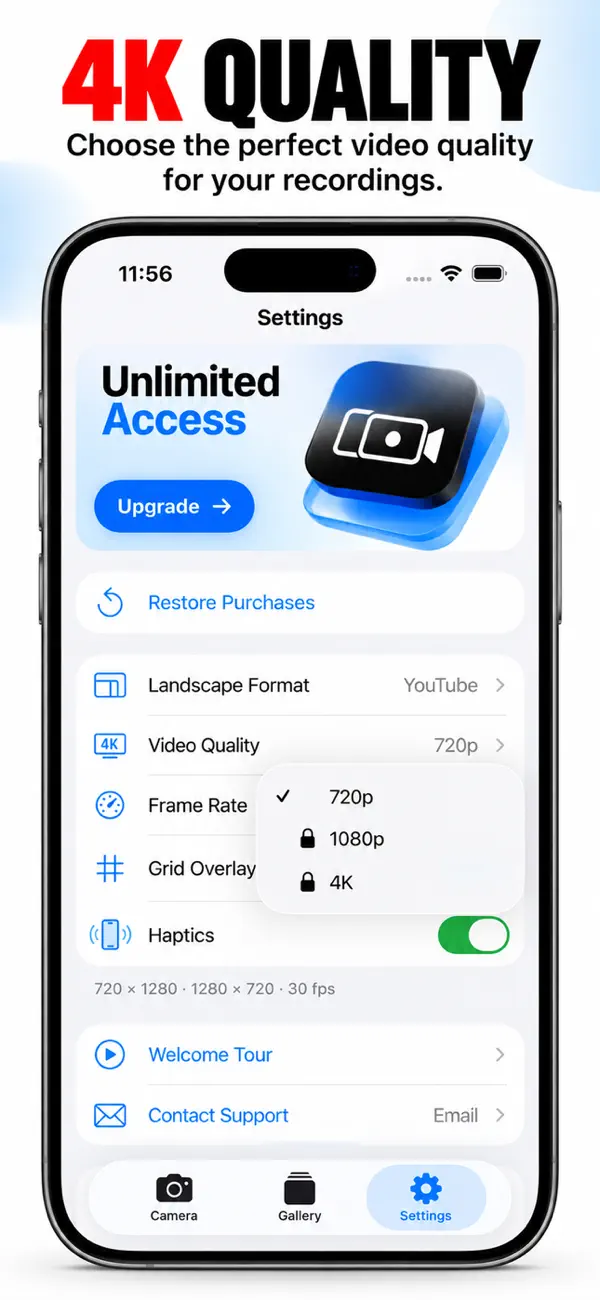
Sharp, detailed footage that looks professional on any platform.
The numbers
Frequently asked
Dual Camera Recorder: Duocamly is free to download from the App Store. Any optional purchases are shown on its store listing.
It requires iOS 17.6 or later and runs on iPhone and iPad.
The current build is 20.0 MB. Size varies slightly by device.
13 languages are supported, including English.
Yes — version 1.6 shipped on October 10, 2026. We keep working on our apps after launch.
The App Store rates Dual Camera Recorder: Duocamly 4+.
Dual Camera Recorder: Duocamly is built by RedizeuzTech, a mobile software studio shipping apps on the App Store.

Get Dual Camera Recorder: Duocamly today
Free to download. About a minute to set up.
More from RedizeuzTech


