
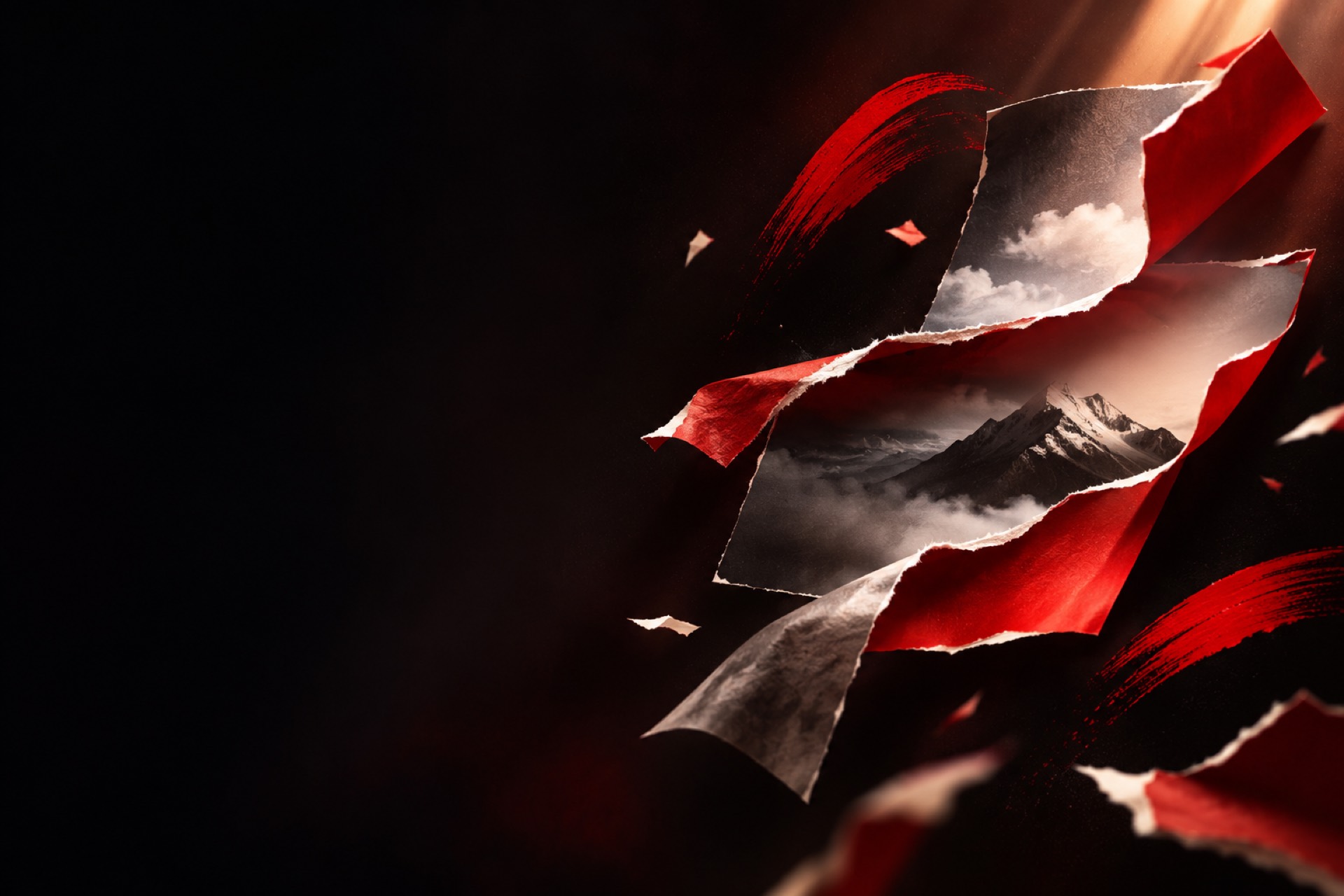
Swap any part of a photo with AI
Don't like part of a photo? Paint over it, pick another photo, paint the part you want to use, and ForgeIt AI blends it in, matching the light and angle. Hold Before to compare. Search ForgeIt on the App Store.…
November 15, 2026·0:34·YouTube Short
3.7· 69 ratings on the App StoreRated 3.7 out of 5
About this video
Don't like part of a photo? Paint over it, pick another photo, paint the part you want to use, and ForgeIt AI blends it in, matching the light and angle. Hold Before to compare. Search ForgeIt on the App Store.
ForgeIt AI edits use AI credits. Only edit photos you have the right to use.
More ForgeIt videos
All 15 videos
How to Translate a Picture on iPhone (Text Stays in Place)
November 18, 2026
 1:00
How to Edit Text in a Picture Without Changing the Background
November 15, 2026
 2:05
How to Change Text in a Photo on iPhone (Same Font, Free)
November 15, 2026

5 posts due Friday. One app.
November 23, 2026
Finished poster. Wrong words?
November 21, 2026

Can my phone rename this sign?
November 19, 2026
 0:36
Pancakes at 8 PM? Fixing a typo on a flyer I already posted
November 17, 2026
 0:37
The bake sale moved to Sunday. The flyer didn't.
November 17, 2026
 0:41
Don't reshoot it. Fix it.
November 16, 2026
 1:38
How To Edit Text In Photo - Forgeit on AppStore
November 2, 2026
 1:46
Edit Text & Image In Photo: Swap Text & Objects In Photo
October 2, 2026
 1:04
Edit text & Image In Photo
October 1, 2026
 2:16
Forge-it: Edit Text In Photo
September 22, 2026