Tutorial
Step by step
4 steps. Press a step’s time to play the video from that moment, and tick steps off as you go.
0 of 4 done
What you need
- ForgeIt on your iPhone
- A photo of the card, flyer or poster
Step 1: Open the photo and pick Text
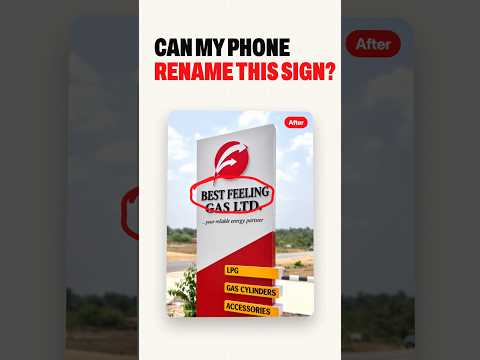
Open the photo in ForgeIt and pick Text.
Step 2: Tap the line to change
Tap the line of text you want to change, then tap Edit Text.
Step 3: Type the new words and tap Done
Type the new words and tap Done. ForgeIt clears the old letters and fills the paper back in.
Step 4: Hold Before to check
Press and hold Before to compare. In the video, it's the same card and the same apples; only the price changed.
Tips
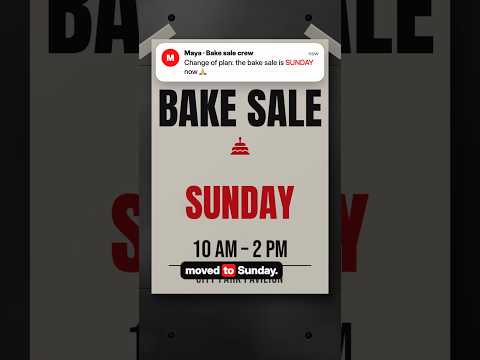
- The same steps work on a flyer, or on a poster pasted on a brick wall.
- It works best when there's clear space around the words.